Try Body Fat Scanner
$0
to get started
Your first 3 scans are free.
- Photo-based body fat estimates
- Your result and written analysis
- No subscription required
Body Fat Scanner · iPhone App
Estimate your body fat from photos, follow changes over time, and get a clearer picture of your progress.
3 free scans. No subscription required to try it.
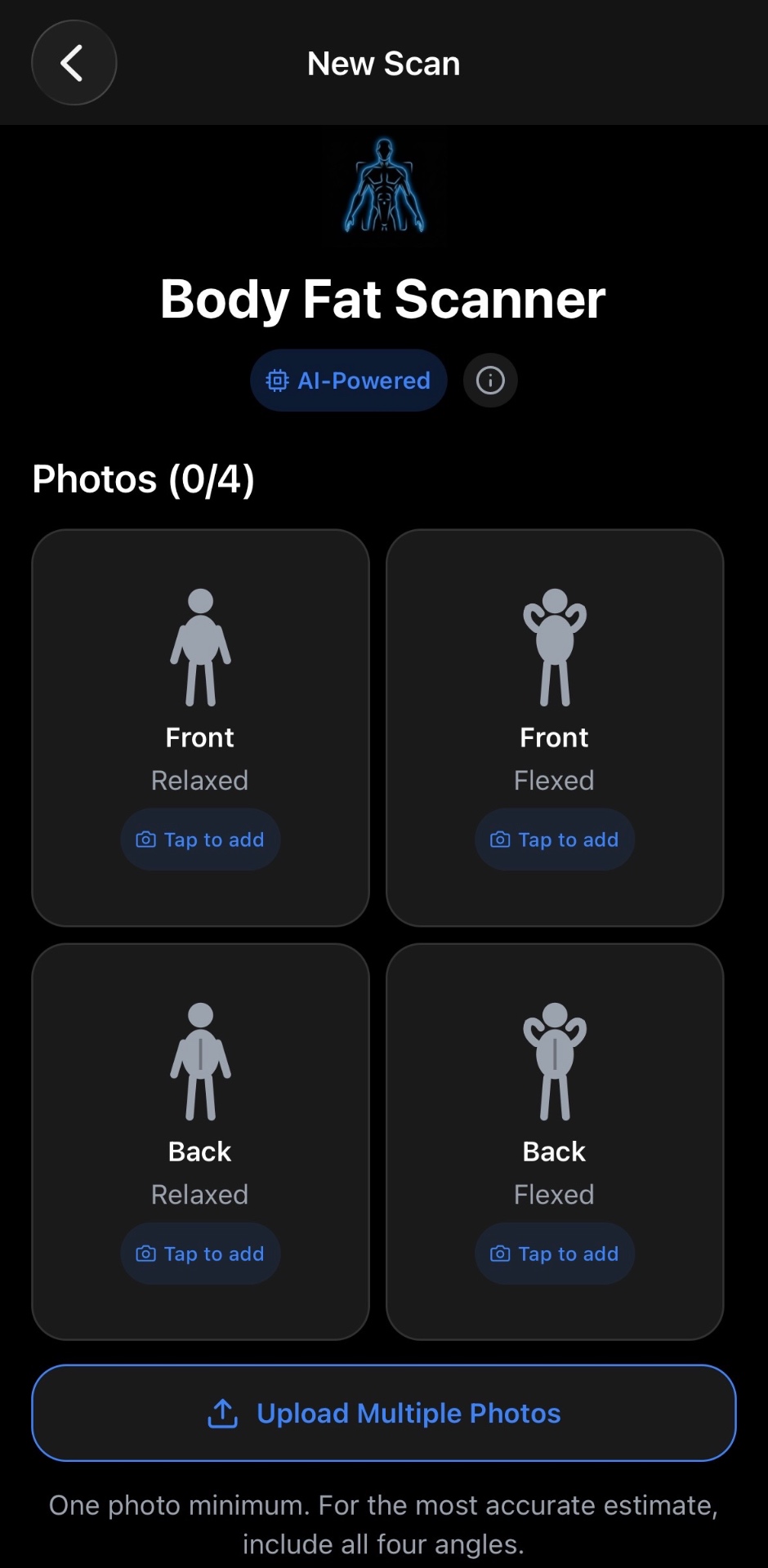
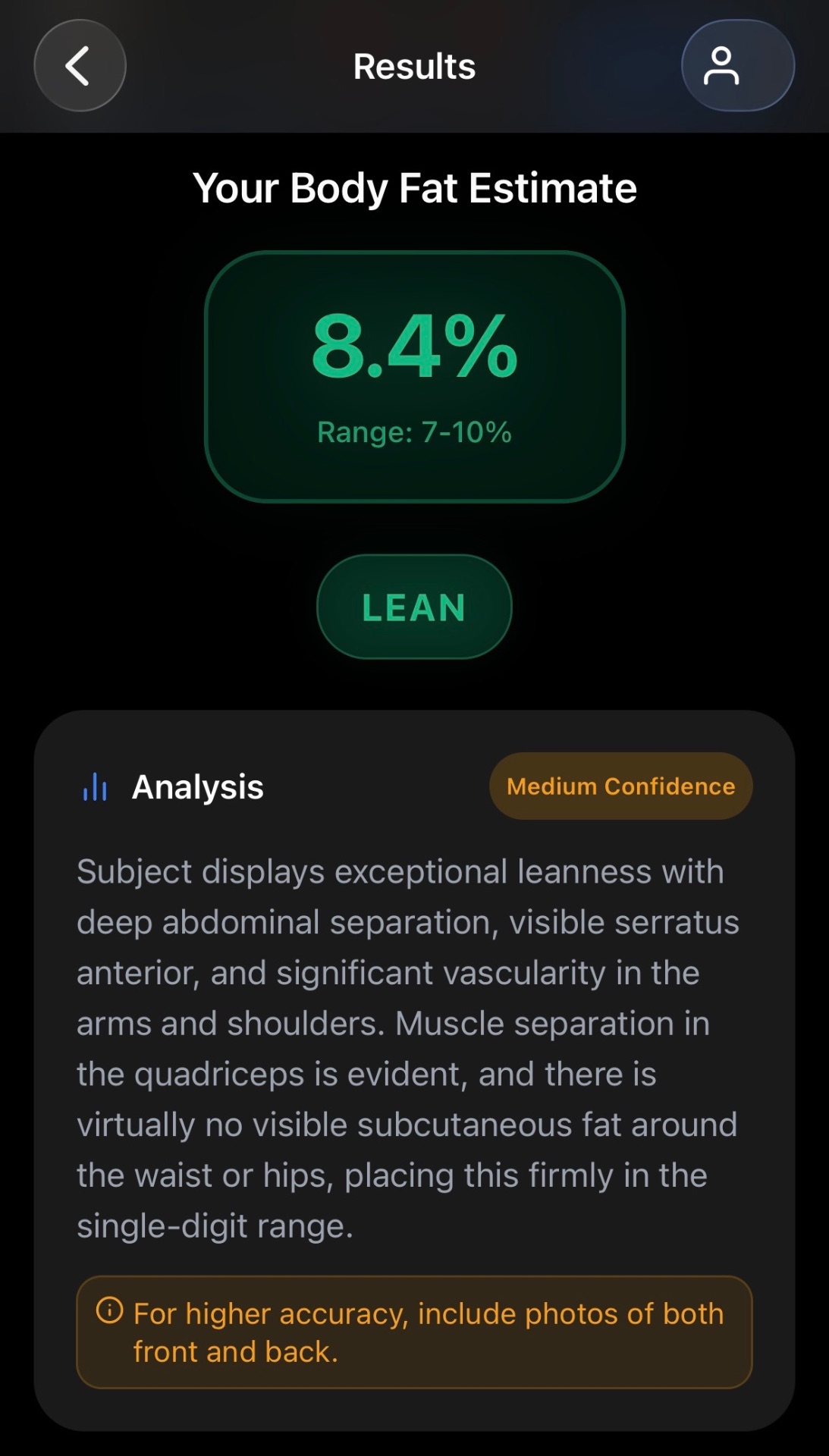
Actual app screens · Example result
✓ AI photo analysis
✓ Saved scan history
✓ Optional Roast Mode
A simple check-in you can do from your phone.
01
Take a photo or upload from your camera roll. Follow the prompts for front, back, relaxed, and flexed views.
02
Enter your basic measurements. Get an AI body fat estimate with a range and a written analysis of your photos.
03
Save your scans and revisit your photos as your training progresses. Keep lighting and poses consistent for each check-in.

See your estimated body fat percentage, a range, and an explanation of the visible features behind the result.
Use the result as another perspective on your progress. Lighting, posing, and photo quality can affect the estimate.
Revisit your saved scans and photos as your training progresses. Your scan history gives you a place to look back and compare what you see.
This is an example scan history from the App Store listing. Individual results vary.
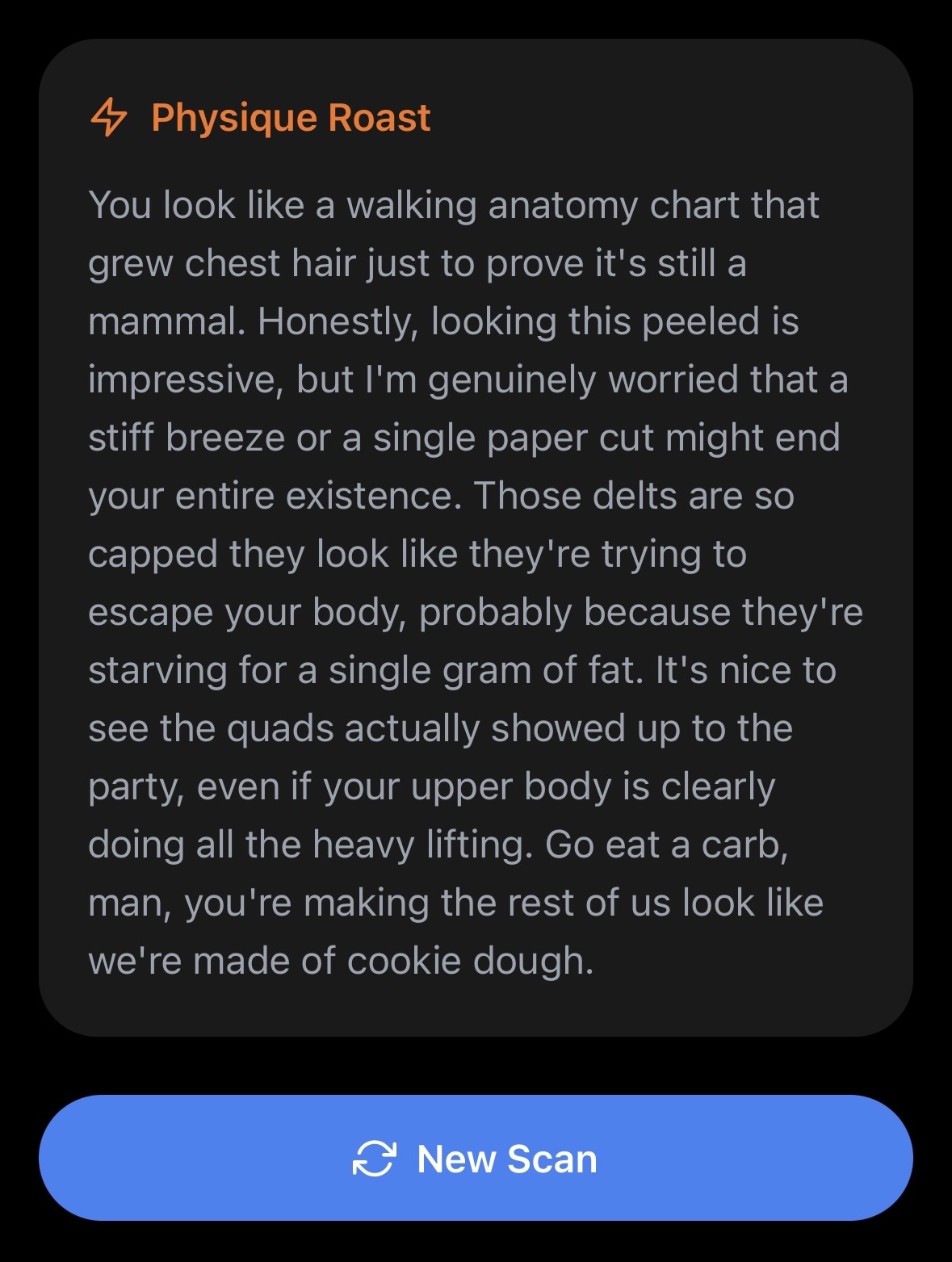
Feeling brave? Turn on Roast My Physique for an AI roast alongside your result. It’s optional, and it comes with a sense of humor.
The roast is for entertainment. Your body fat result is still an AI estimate.
Start free
Try it for yourself. Go Pro when you want to keep scanning.
Your first 3 scans are free.
Or $2.99/month. Save 44% with annual.
U.S. App Store pricing. Pro subscriptions renew automatically unless canceled. Manage your subscription in your Apple Account settings.
Simple answers before your first scan.
Body Fat Scanner uses AI to estimate body fat from visible features in your photos. Results can vary with lighting, pose, and image quality. Treat the number as an estimate, and use consistent photos to put your check-ins in context.
Start with at least 1 clear photo. The app guides you through 4 views: front relaxed, front flexed, back relaxed, and back flexed. Use similar lighting, distance, and poses when you scan again.
No. Roast My Physique is optional. Turn it on for a playful AI roast alongside your result, or keep it off for the standard analysis.